
Introduction
AI has quickly become one of those things that feels impossible to ignore.
It’s everywhere, constantly evolving, and depending on who you ask, either about to completely change design or quietly ruin it.
At a D&AD talk I went to called “Is design dead or alive?”, one of the speakers mentioned how important it is to be involved in AI within the creative industry.
She said:
“Even if you don’t use it, pretend you do.”
Which I found interesting, but also slightly strange.
Because my first thought was, why pretend?
If these tools can genuinely save time, support parts of the process, or reduce some of the more repetitive work, it feels more useful to actually understand how they fit into real design workflows.
Not everything needs to be automated, but some parts probably should be.
This article isn’t about the most advanced AI tools or the most impressive outputs.
It’s about the ones that are actually useful in day to day design work.
Quick Answer: The Best AI Tools for Designers
The best AI tools for designers are the ones that support specific parts of the workflow, rather than trying to replace it entirely.
Most designers use AI tools for:
- idea generation
- image creation and mockups
- organising information and workflows
- automating repetitive tasks
Used well, these tools can reduce friction and free up more time for creative thinking.
Where AI Actually Fits Into a Design Workflow
One of the most useful ideas I came across at Advertising Week Europe recently is:
“The place to start is the problem you’re trying to solve. Only then turn to the tech.”
It sounds obvious, but it’s easy to ignore.
AI works best when it’s solving a specific problem, not when it’s used just because it exists.
Most tools are only genuinely helpful at certain moments in the process.
1. Early Ideas and Exploration
Starting a project is often the hardest part.
When the brief is still slightly unclear, or you’re staring at a blank page, AI can be surprisingly helpful for generating starting points.
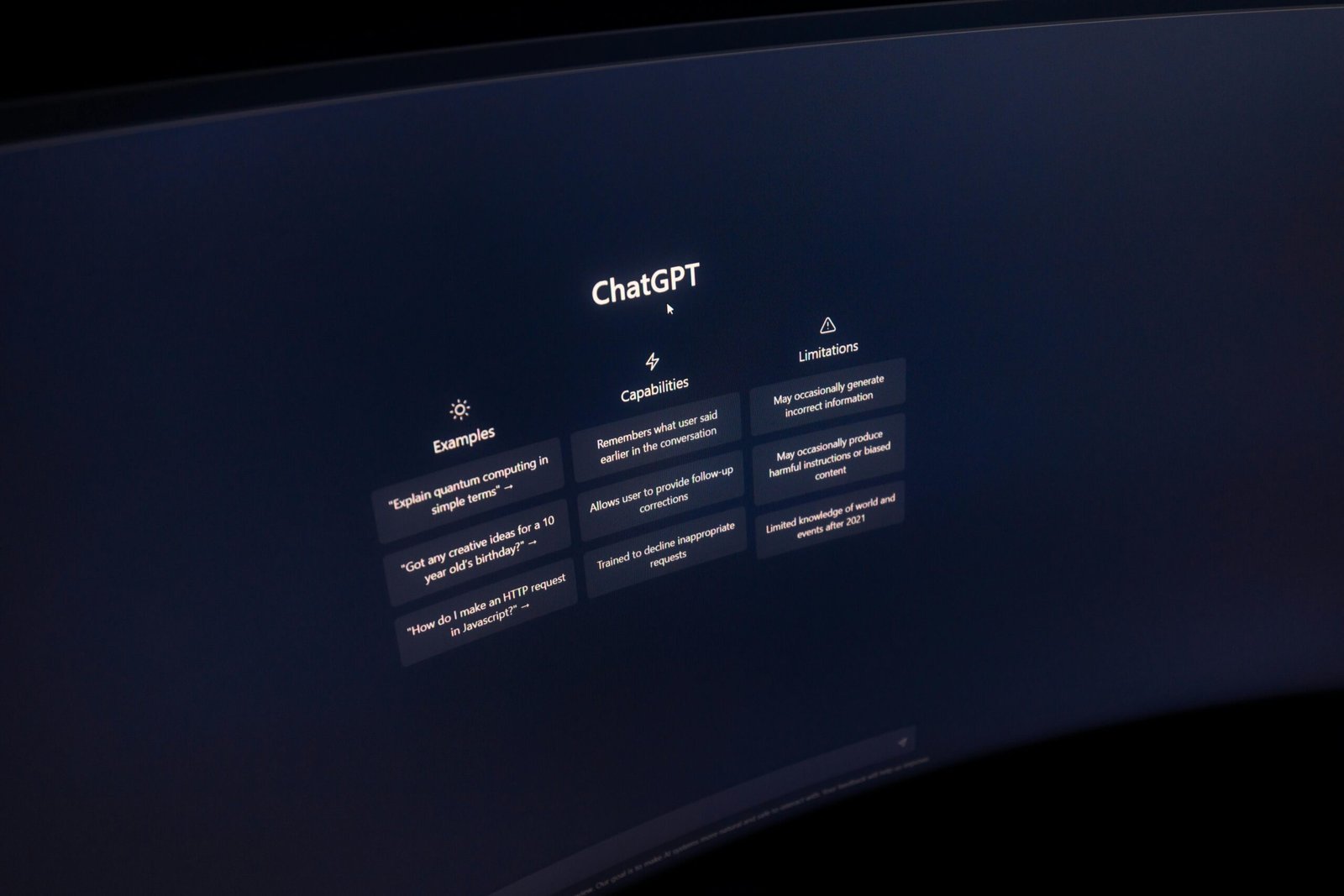
Tools like ChatGPT can help explore directions, reframe ideas, or simply give you something to react to.
It’s not about using AI to create final concepts.
It’s more about getting unstuck.
You might use it to:
- explore creative directions
- test different approaches
- generate rough concepts
- organise early thoughts
Sometimes it’s just easier to react to something, rather than start from nothing.
I remember the first time I used AI to start a project. We’re encouraged to use it within my team, and I was definitely sceptical at first.
But over time, I’ve found it genuinely useful. Not in a way that replaces the work, but in a way that supports it. It helps me research faster, refine ideas more clearly, mock things up quickly, and organise projects in a way that keeps my head clearer, and my clients more confident in the direction.
2. Image Generation and Visual Exploration
AI image tools are probably the most visible part of this shift.
Tools like Midjourney and DALL·E are incredibly useful for generating quick visuals, experimenting with styles, or exploring concepts early on.
They work well for:
- moodboards
- concept exploration
- early stage mockups
- presentation visuals
More recently, I’ve been using AI for mockups, which has been a noticeable upgrade in how I explore ideas.
They’re still my ideas, AI just helps visualise them more quickly.
It’s not the end product, but it allows me to test multiple versions of something before committing time to refining a single direction.
For example, I was recently working on branding for a merchandise kiosk, where I needed products to sit at different angles across the space. Normally, that would mean spending time distorting and adjusting visuals manually.
Using AI, I was able to apply designs much more quickly and see how different options looked in context. It brought the ideas to life earlier in the process, which made decision making much easier.
3. Workflow, Organisation and Reducing Friction
This is probably the most underrated use of AI.
A lot of creative work isn’t just designing, it’s managing information, tasks, and communication.
AI tools can help with:
- summarising notes
- organising project information
- structuring documents
- generating task lists
Tools like Notion AI or AI features in platforms like ClickUp can support this.
It’s not always perfect, but it can reduce some of the friction around keeping projects organised. And often, that’s what slows things down the most.
One thing I’ve noticed is that the most useful applications of AI tend to be quite specific.
Not big, sweeping changes to how we work, but small moments where something feels slightly easier. A quicker way to explore an idea, organise information, or move through a task that would normally take longer.
And that’s usually where it becomes worth using.
I think there’s also a temptation to try and use AI for everything, which is usually where it starts to feel less helpful. The more selective I’ve been, the more useful it actually becomes.
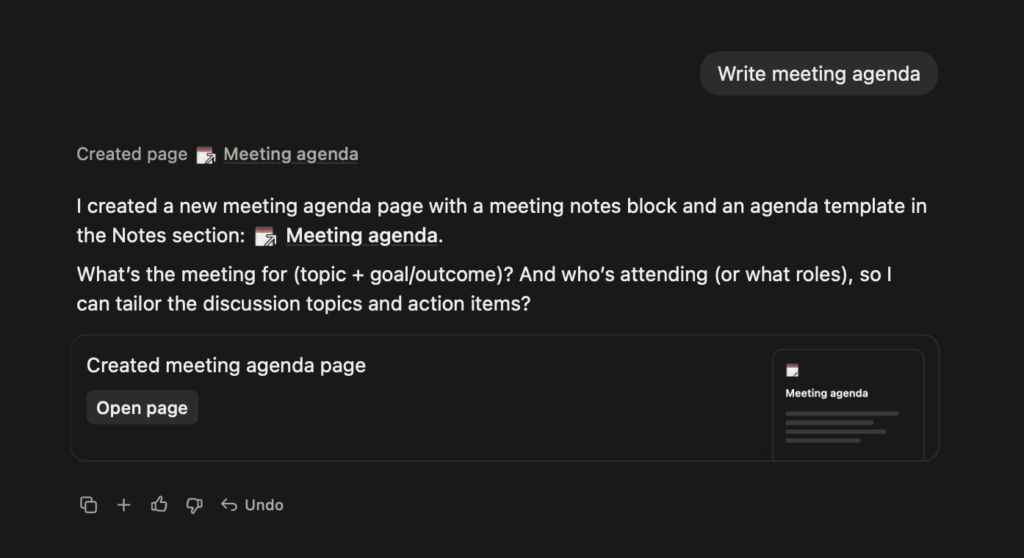
Some of the most useful ways I’ve used Notion AI aren’t big or complicated. It’s the smaller tasks that make the biggest difference.
Summarising notes has been a huge help after long meetings, especially when I don’t want to reread everything. Creating an initial meeting agenda when I’m struggling to think about what needs covering. It’s also surprisingly good at turning messy brain dumps into article outlines, helping me make sense of my own thinking.
Even small things like suggesting database fields I hadn’t considered have made my systems feel more complete, without much extra effort.
4. Repetitive Tasks and Time Saving
This is where AI is probably at its most useful.
Not in the creative decisions, but in the repetitive tasks around them.
Things like:
- resizing assets
- generating variations
- basic edits
- repetitive admin work
These aren’t the most exciting parts of design, but they take up time.
If AI can reduce some of that, it creates more space for the work that actually matters.
Where AI Doesn’t Replace Designers
It’s probably worth saying this clearly.
AI doesn’t replace:
- creative thinking
- understanding a brief
- making design decisions
- building a cohesive visual system
It can support parts of the process, but it doesn’t replace the thinking behind it.
As one speaker at AWE put it:
“AI only works as well as the data you give it.”
Which means unclear input leads to unclear output.
Another idea that stayed with me was:
“Humans at the helm, not humans in the loop.”
We’re still the ones shaping the work.
Why AI Works Best as a Support Tool
From what I’ve found, AI works best when it supports the process, rather than trying to replace it.
It can:
- speed up repetitive tasks
- reduce friction
- help explore ideas
- organise information
But it still needs direction.
Because ultimately, creativity is still the most important part.
AI can assist, but it doesn’t replace taste, judgement, or intent.
Final Thoughts
AI tools aren’t going anywhere.
But that doesn’t mean every tool is worth using, or that every part of the creative process needs to be automated.
From what I’ve found, the most useful approach is to treat AI like any other tool. Something that supports the work in small ways, rather than trying to redefine it completely.
For me, it’s less about doing more with AI, and more about using it in the right places.
Because ultimately, creativity still sits at the centre of the process.
AI can help shape ideas, speed things up, and reduce friction. But it still needs judgement, taste, and direction.
And that still comes from us.
Leave a Reply